
Advent Calendar
Set up and customise your interactive Advent Calendar.
The Advent Calendar is an ideal game mechanic for engaging your audience during the festive season. Each day, participants can open a door and discover a surprise: a prize to win, exclusive content, a promo code...
Global settings
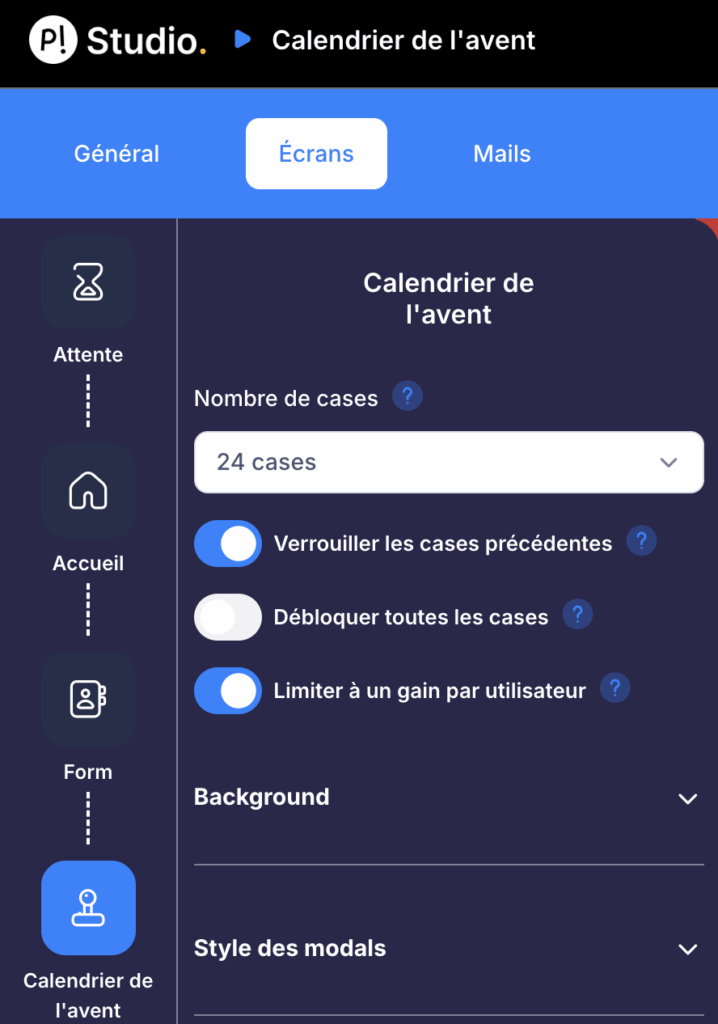
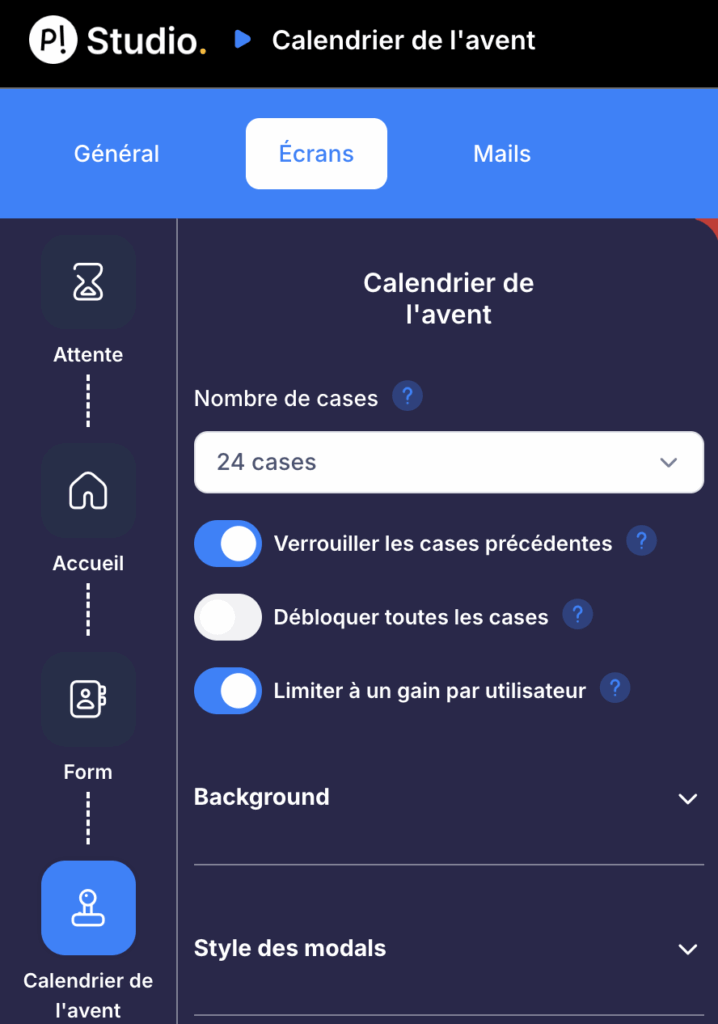
In the Creator Studio, go to the "Advent Calendar" screen to configure the general options:
- Number of doors: 24 by default, with the option to add a 25th door
- Lock previous doors: enabled by default, prevents participants from returning to doors from past days
- Unlock all doors: allows all doors to be opened without date restrictions (useful for testing)
- Limit to one win per user: each participant can only win once across the entire calendar
Remember to disable the "Unlock all doors" option before launching your campaign so the calendar works correctly day by day.
Customisation in the Creator Studio
The Creator Studio lets you fully customise the appearance of your Advent Calendar.
Background and general style
Several customisation options are available:
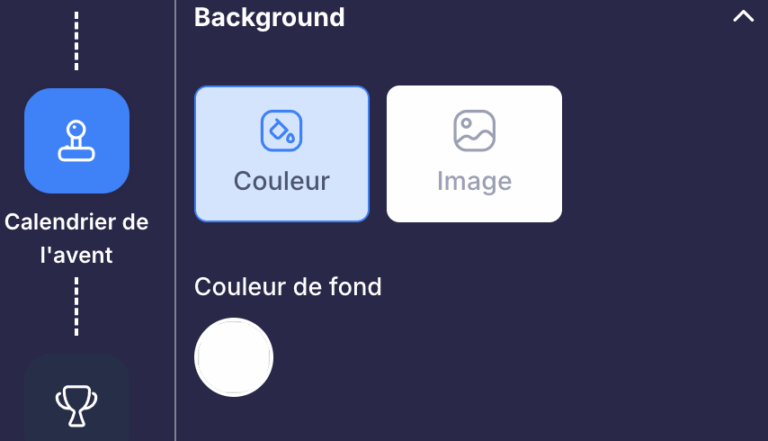
Background: customise the colour or background image of the area containing the calendar.
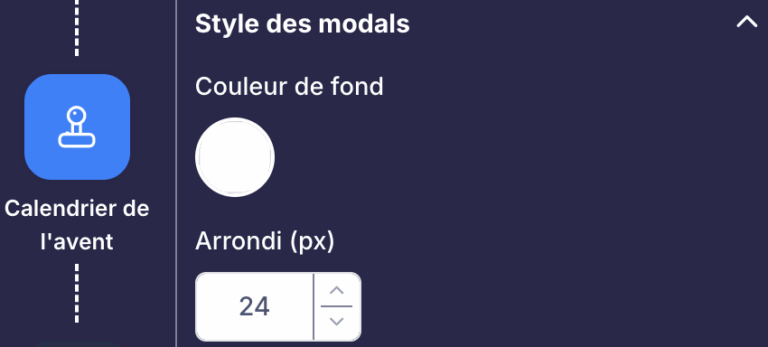
Modal style: configure the appearance of pop-ups (background colour, rounded corners).
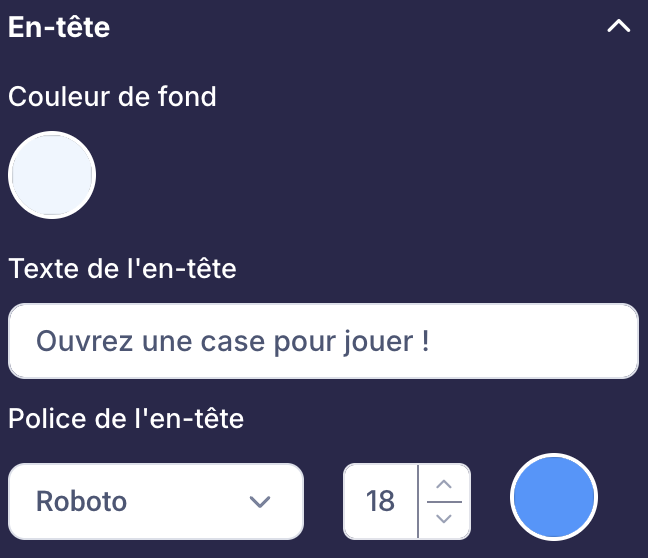
Header: add a customisable text block above the doors.
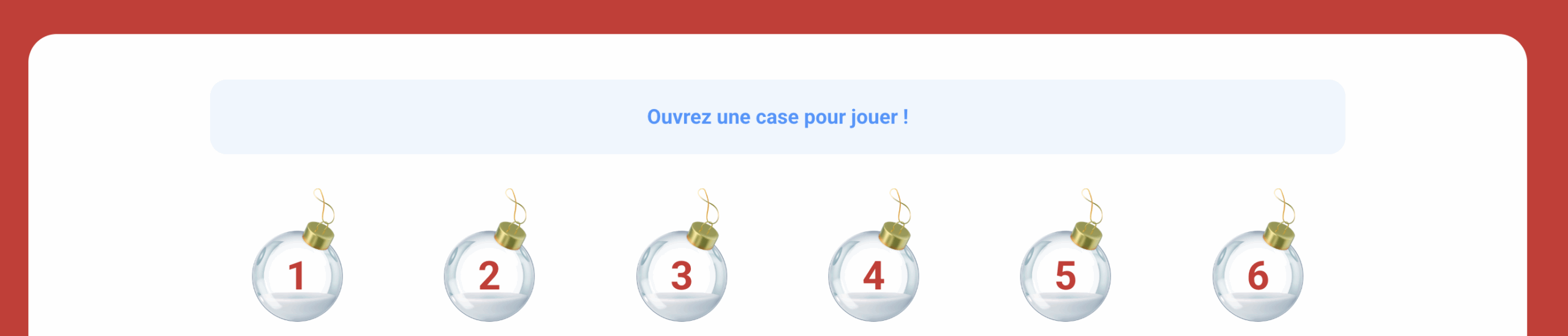
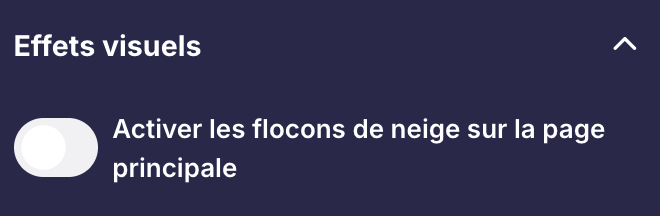
Visual effects: enable animations such as snowflakes to create a festive atmosphere.
Door customisation
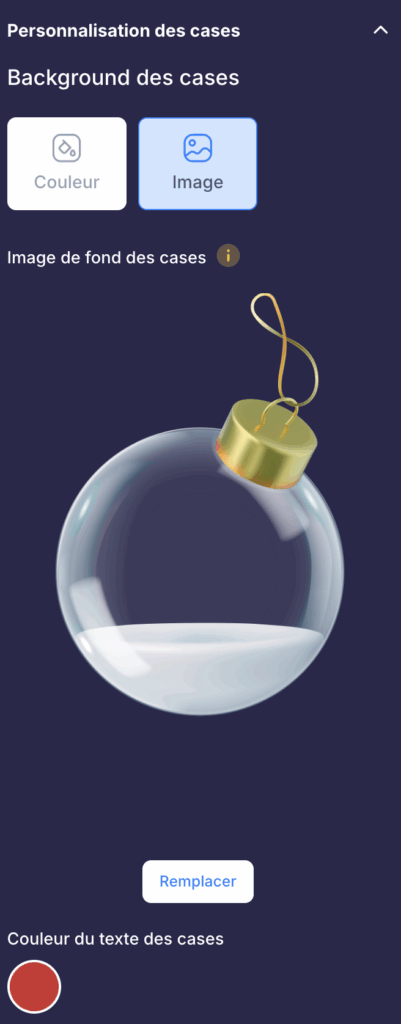
You can customise the appearance of doors according to their state:
- Active doors: today's doors that participants can open
- Opened doors: doors that have already been played
- Locked doors: doors for future days
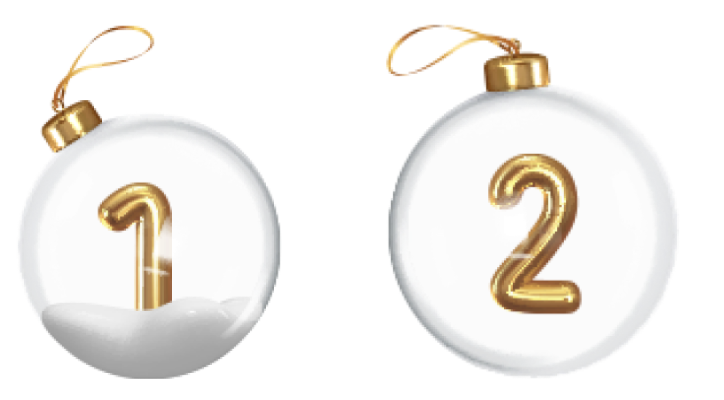
For each state, you can modify:
- The background image or colour
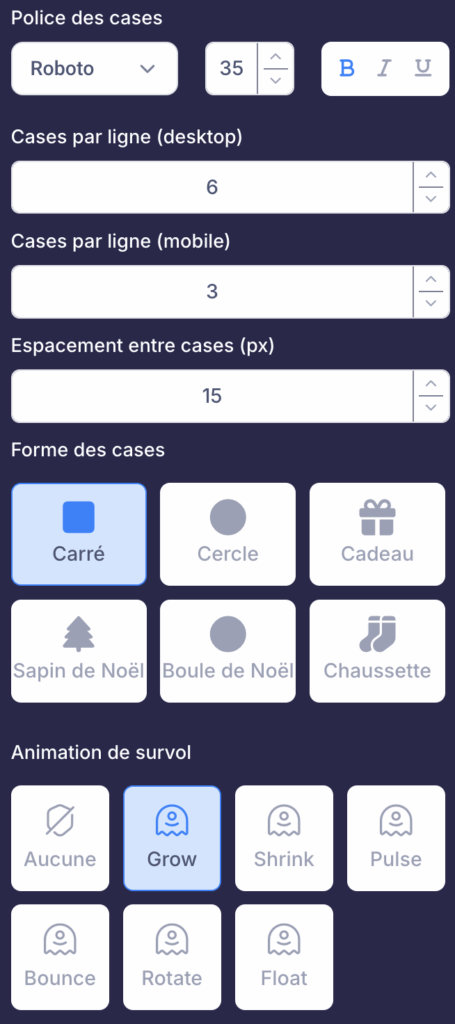
- The font, size and style of the text (door number)
- The shape of the doors (square, rounded...)
- The hover animation
Calendar layout
- Number of doors per row: can be set differently for desktop and mobile
- Spacing between doors: adjust the gap between each door
- Calendar width: define the maximum width
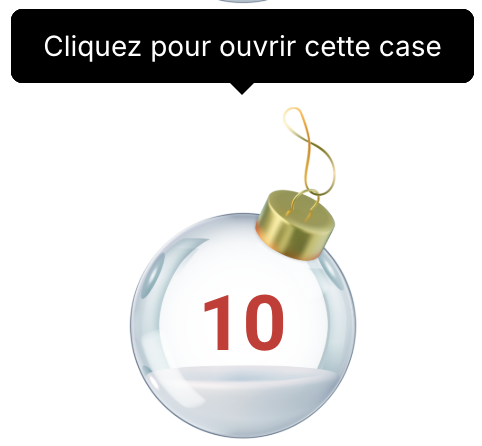
- Tooltips: customise the text displayed when hovering over doors
Available game mechanics
Behind each door, you can associate different game mechanics:
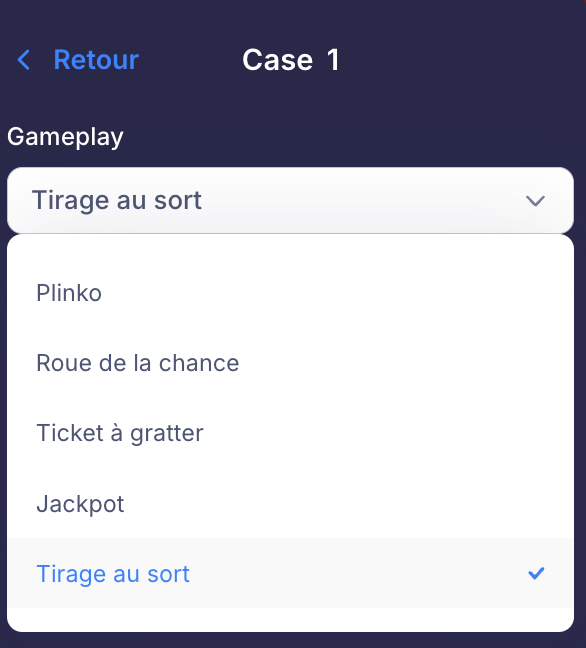
- Wheel of fortune
- Scratch card
- Jackpot (slot machine)
- Plinko
- Simple prize draw
Vary the game mechanics between doors to keep participants engaged and excited throughout the entire calendar.
Wheel of fortune
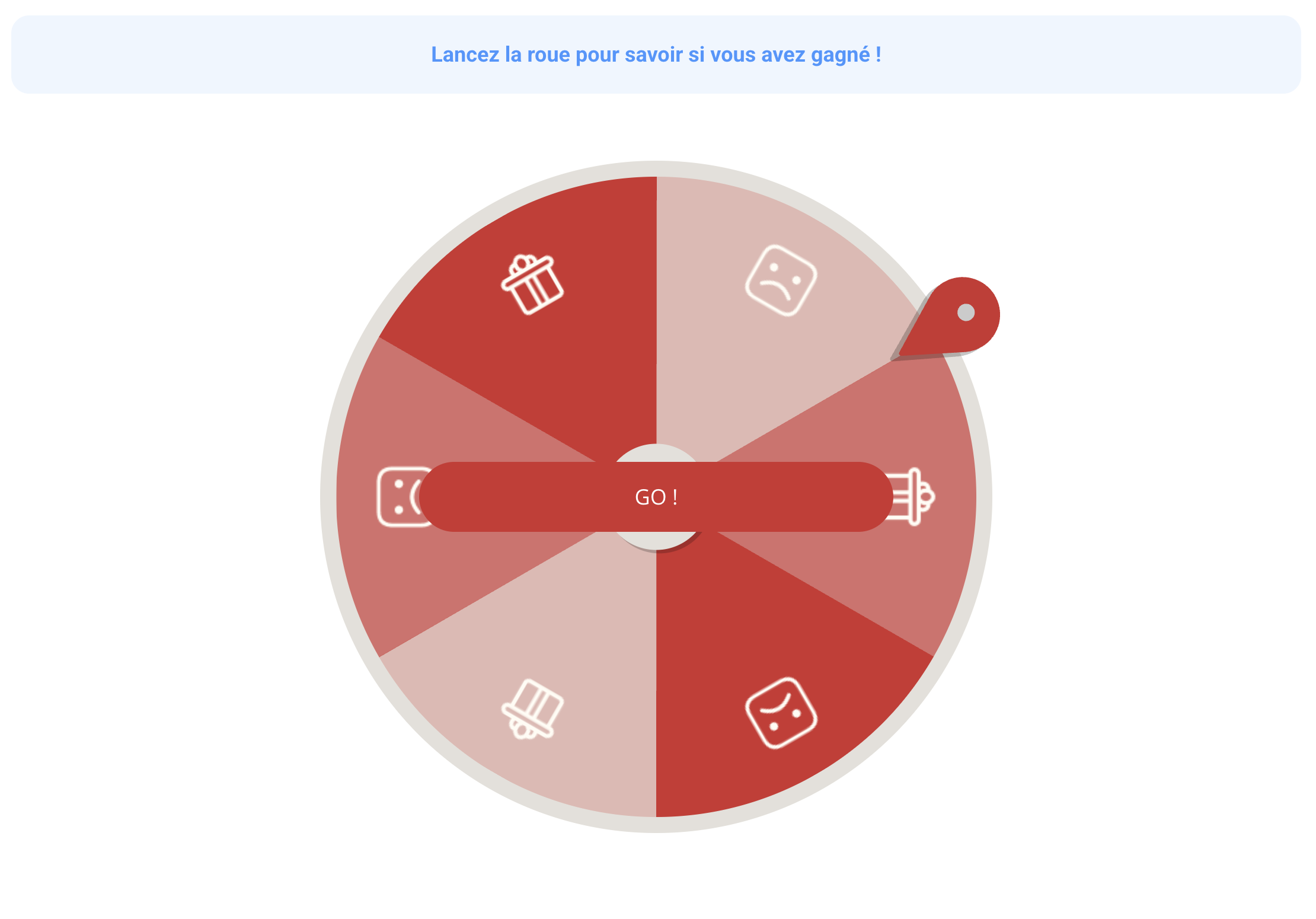
Customise the colours of the wheel, the pointer, the animation duration and the win/lose images.
Scratch card
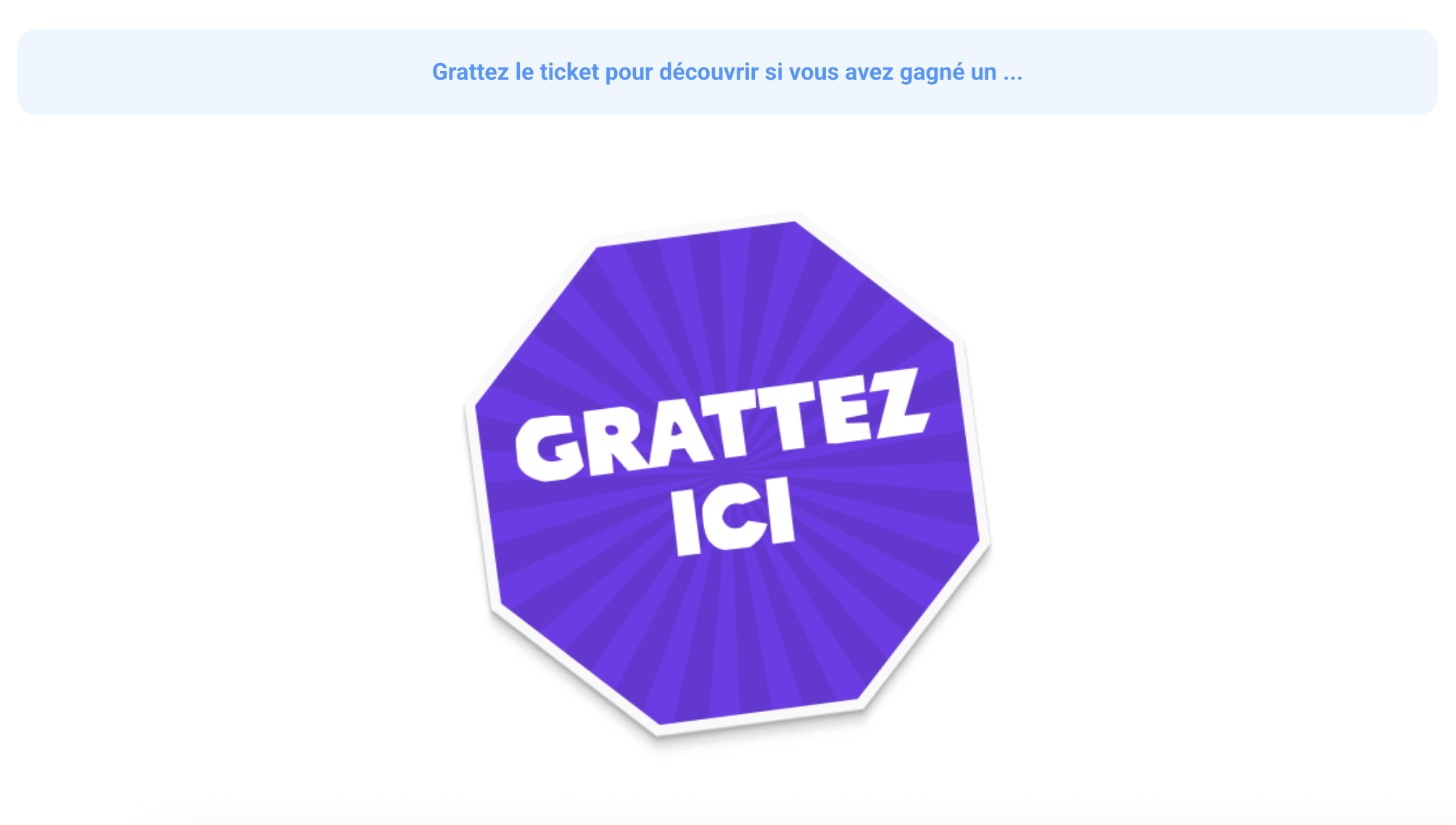
Customise the card images (blank, winner, loser) and the scratch percentage required to reveal the result.
Jackpot (slot machine)
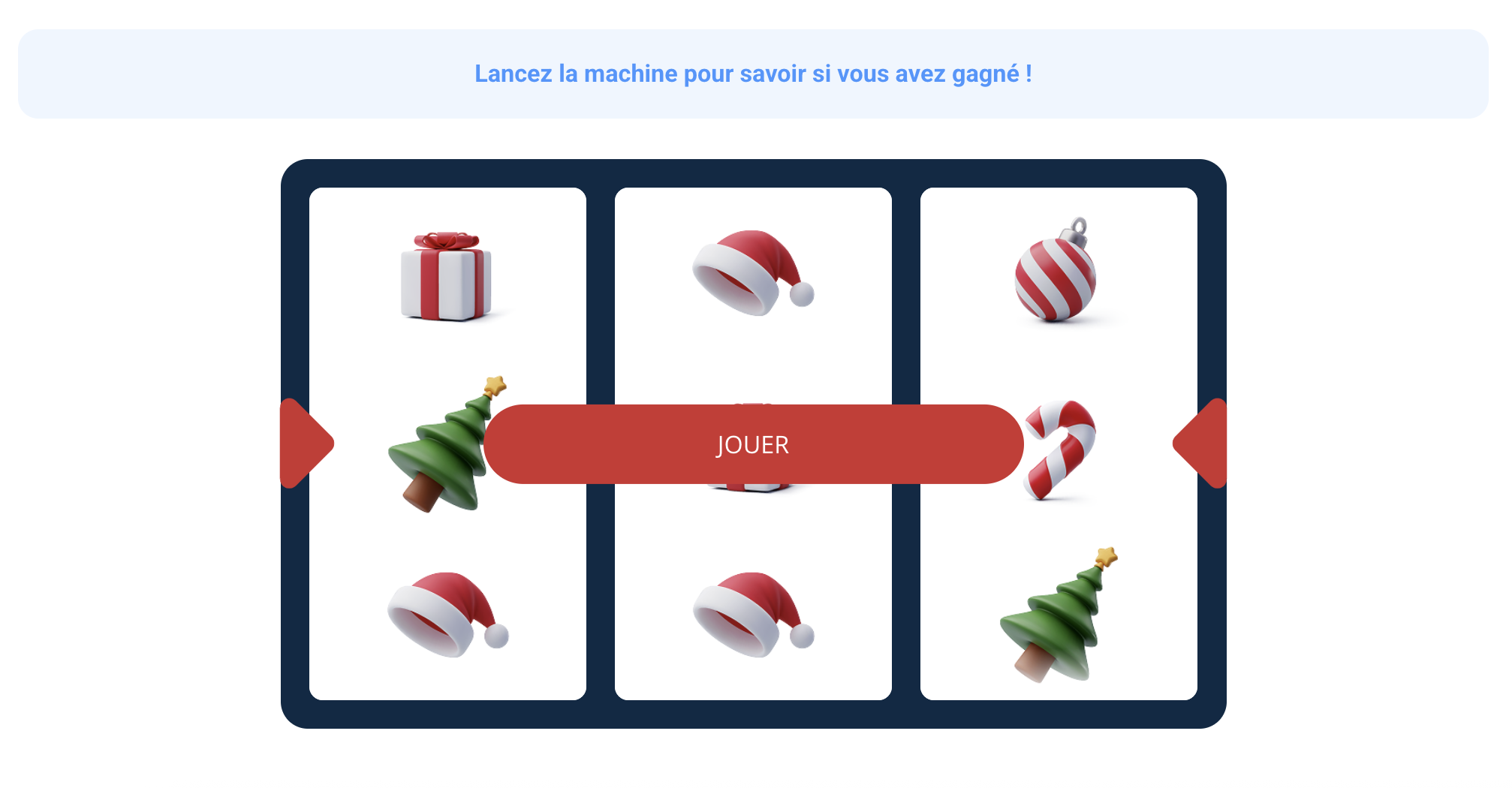
Customise the jackpot symbols, the animation duration and the colours.
Plinko
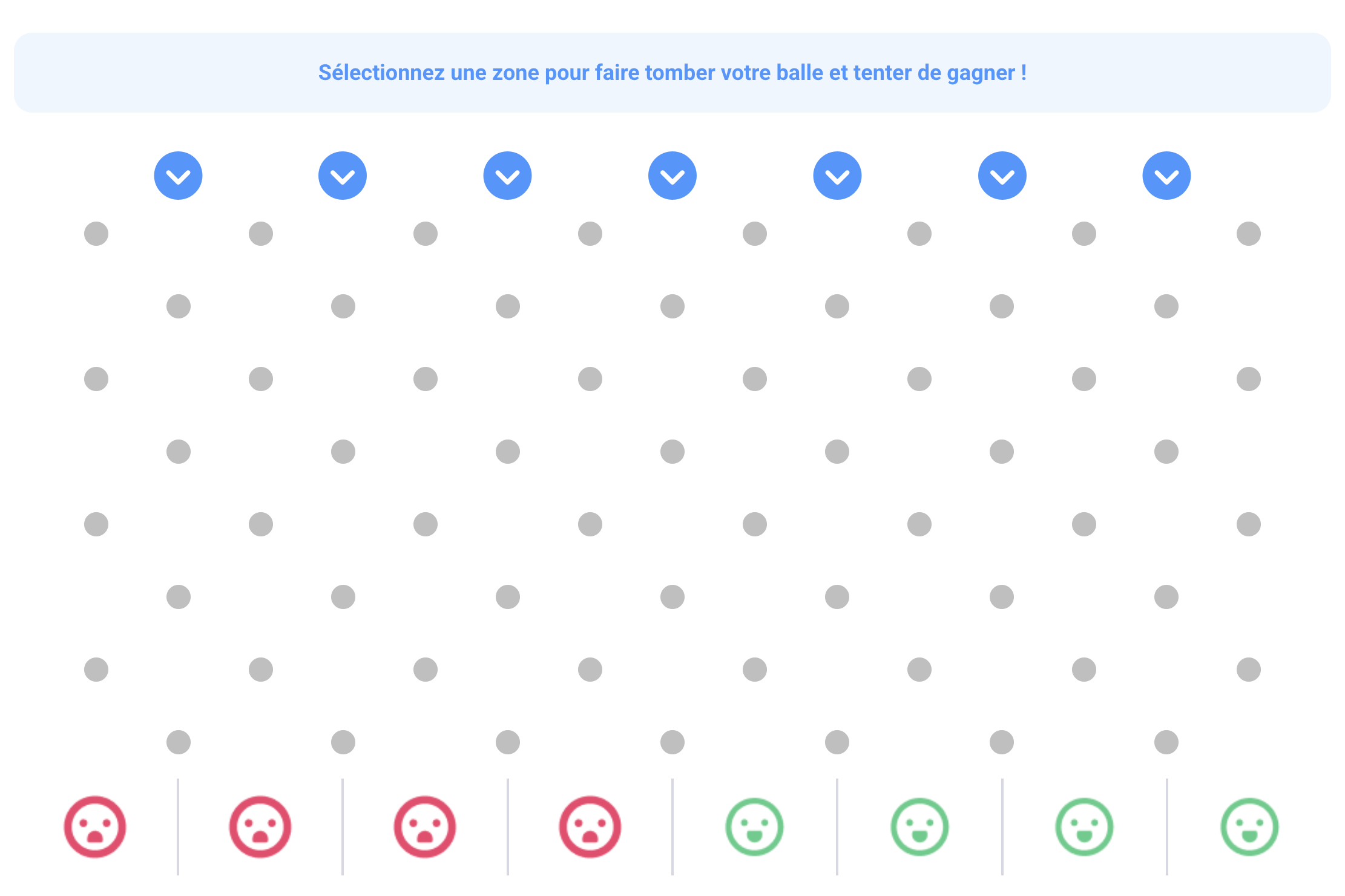
Customise the colours of the launch zones, the ball, the pegs and the winning/losing zones.
Configuring individual doors
Each door can be configured individually. Use the filter to display doors that are "to be configured" or "configured" to track your progress.

For each door, you can override the global settings and define a specific appearance.
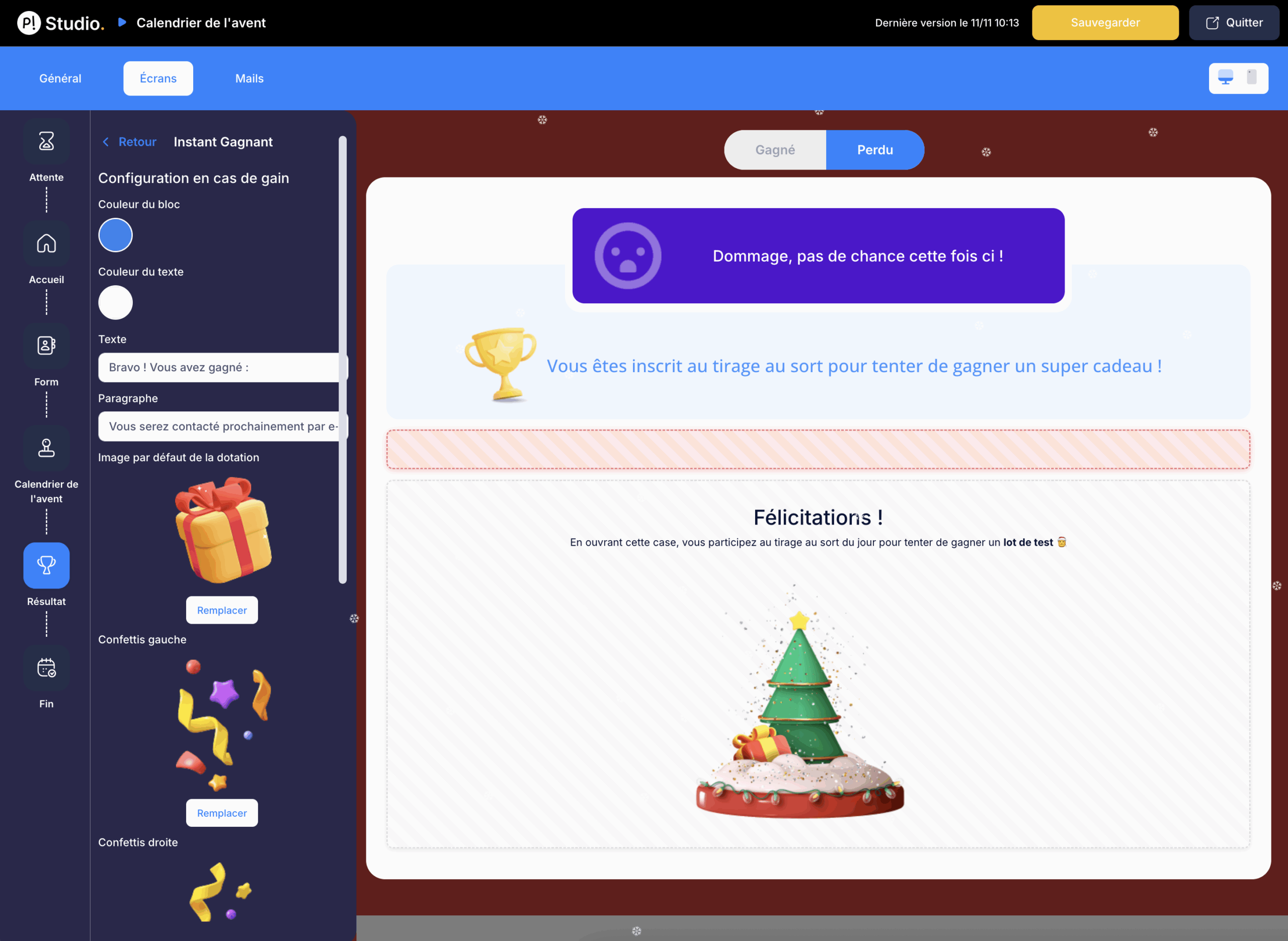
Result screen
Customise the screen displayed after a participant has played (whether they won or lost).
Prize management
Two prize distribution modes are available:
- Instant wins: prizes are distributed immediately when a door is opened. Configure them via the "Instant Win Prizes" tab.
- Prize draw: select winners after the campaign ends via the "Winner Selection" tab.
You can combine both modes: small instant win prizes every day and a large final prize selected by draw.